1. Adding existing project folders to the project explorer in eclipse
File->Import->General->Existing Projects Into Workspace->Select root directory of project->Finish
More Info
http://stackoverflow.com/questions/3924229/adding-existing-project-folders-to-the-project-explorer-in-eclipseMore Info
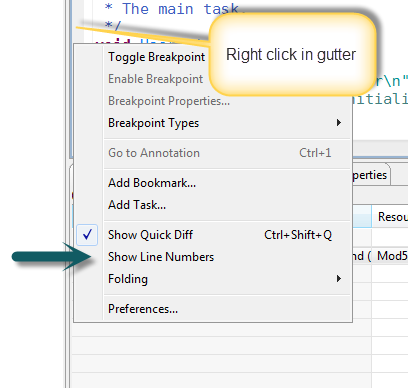
2. Configuring Eclipse line numbers
Window -> Preferences -> General -> Editors -> Text Editors -> Check the Show line numbers check box.
OR

No comments:
Post a Comment